How to Create Professional Marketing Visuals Using Free ChatGPT
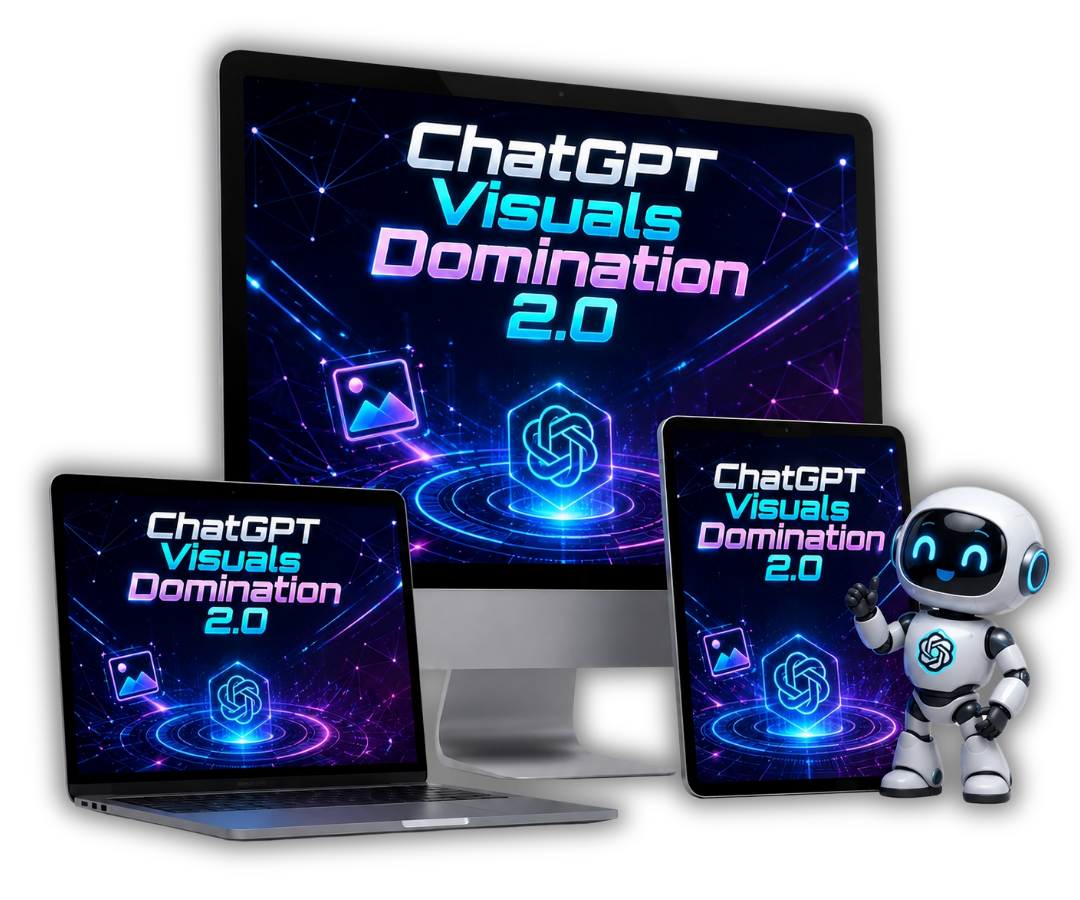
Creating graphics for your blog posts, social media updates, and product promotions takes time or costs money you might not want to spend on freelancers. A lot of online business owners try generating AI images, get messy text or strange layouts, and think the technology is not ready. The problem is usually not the underlying image engine, but the vague prompts given to it. ChatGPT Visuals Domination 2.0 will help you to create professional marketing visuals using free ChatGPT.
Disclosure: this post contains affiliate links. If you buy through one, I may earn a commission at no extra cost to you.
Key Takeaways
- You can produce 30 distinct visual types using the free version of ChatGPT without paying for design software or API fees.
- The biggest barrier to good AI graphic output is weak prompt formatting rather than the software itself.
- Having a dedicated prompt builder web app speeds up asset generation for social posts, mockups, and infographics.
- Focusing on structured templates helps keep branding clean and text readable across marketing channels.
The Real Daily Struggle with Graphics in Online Marketing
If you run an online business or publish content online, your demand for images never really stops. Every blog article needs a clear header image, every social media channel wants fresh visual updates, and every digital product release requires clear mockups. When you start out, you generally have three choices: spend hours inside tools like Canva trying to line up graphics, pay a freelance designer anywhere from $15 to $50 per item, or skip graphics entirely and watch your conversion rates suffer.
Many site owners turn to AI to solve this bottleneck. If you have ever opened ChatGPT and typed something like make me a social media poster for a coffee shop, you probably got a weird image back. The text was likely scrambled, the proportions were wrong, and the layout looked messy. It is easy to assume AI graphics are not ready for serious work, but recent updates to the ChatGPT image engine fixed the underlying output quality. The missing piece is giving the tool structured, detailed instructions in a format it understands.
When you learn how to fix generic AI content with better human input, your marketing materials look sharper. That same principle applies to visuals. When you feed ChatGPT exact style parameters, accurate color cues, and clear layout blocks, it creates clean text and sharp details ready for real offers.
What Is ChatGPT Visuals Domination 2.0?
I recently looked through ChatGPT Visuals Domination 2.0, a practical training guide paired with an interactive web app built specifically to fix image generation issues. The product is designed by an independent creator who previously released a popular first edition that logged over 850 sales with a tiny 0.58% refund rate. This updated 2.0 edition covers the expanded capabilities of the updated ChatGPT image engine.
The package breaks down 30 specific visual formats that online business owners need daily. Instead of giving vague advice, it provides direct blueprints for visual assets including:
- Social media graphics and feed updates
- Digital book covers and printable layouts
- Product packaging and digital product mockups
- Information graphics and data breakdowns
- Promotional ad banners and custom thumbnails
What makes this offer worth looking at is its focus on tools you already have access to. It works directly with the free version of ChatGPT. You do not need to purchase subscriptions to extra AI art generators, pay for external API keys, or possess prior graphic design experience. If you know how to copy text and press enter, you can put the system to work.
Inside the System: How the Prompt Builder Web App Works
The main component of the offer is the Prompt Builder Web App. Rather than making you memorize complex prompt formulas or search through static PDF documents whenever you need a graphic, the app streamlines the creation step into simple form fields.
You open the app, select the specific asset type you want to create, and fill in basic details like your main topic, target style, and desired text elements. The web app processes your input and generates a polished master prompt. You simply copy that result, paste it into ChatGPT, and receive a complete visual in seconds. If you want to expand your workflows into automated video graphics alongside your static images, you can check out how to build a scalable AI video pipeline with ViralRevenueAI for your broader promotion strategy.
For each of the 30 included visual categories, the package delivers a breakdown of four elements:
- Category Purpose: A plain explanation of what the visual format does and why it works for audience engagement.
- Master Prompt Template: A structured foundation designed to pull high resolution output from the AI engine.
- Pro Tips: Specific warnings detailing common errors to skip so you do not waste time re-generating bad images.
- Real Image Examples: Two reference images generated directly by the prompt so you know what the outcome should look like before you run it.
When you combine structured visual assets with practical conversion tools like hyper-targeted AI sales funnels, your entire publishing process runs smoother because you spend less time tweaking graphics manually.
Putting the Graphics to Work in Your Business
Having clean graphics ready on demand changes how quickly you can launch projects. Consider a basic scenario where you release an educational ebook or a small digital training. In the past, setting up the sales graphics meant paying a freelancer or spending half a day fighting design software. With a structured image workflow, you select the book cover or mockup template in the web app, paste the generated instructions into your free ChatGPT account, and pull finished visual assets right into your page builder.
This approach helps affiliate marketers and digital sellers who test multiple offers every week. If you need to make visual reviews or social media promos, having visual templates ready keeps your brand consistent. This complements systems that show you how to get targeted website traffic without paying for ads, because quality visual thumbnails draw higher click rates across organic channels.
If your strategy involves content creation across multiple platforms, pairing structured images with video tools like Blog2Vid for converting blog posts into videos lets you publish complete visual campaigns fast.
Who Should Grab This System (And Who Should Skip It)
No offer fits every marketer, and it is helpful to look at who will get practical value from this package versus who should pass.
You should consider this package if:
- You manage a blog, social media channels, or affiliate sites on a tight budget and want graphics without paying monthly graphic tool fees.
- You struggle to write detailed AI prompts that produce clear text and clean layouts on the first attempt.
- You want a fast, fill-in-the-blanks application that creates ready prompts without technical setup or API keys.
- You prefer having clear visual samples and practical instructions over theoretical guides.
You should skip this package if:
- You are a professional graphic designer who already uses vector software like Adobe Illustrator and prefers manual control over every pixel.
- You already have custom prompts that produce flawless visual outputs inside ChatGPT.
- You expect AI to build finished, multi-page layout documents without human review or light editing.
Being honest about these limits saves time. AI image generation is an assistant tool to speed up work, not a magic replacement for thoughtful campaign planning.
Pricing, Access, and Early Bonus Details
The package is available for a single one-time payment rather than a recurring subscription fee. It includes access to all 30 visual modules, master prompts, pro tips, and the standalone Prompt Builder Web App. The creator also backs the release with a 14-day money-back guarantee, allowing you to try the prompt system inside your own ChatGPT account risk free.
If you want to view the prompt app demo and look over the complete list of visual modules, you can check the details on the official offer page for ChatGPT Visuals Domination 2.0.
Frequently Asked Questions
Do I need a paid ChatGPT Plus subscription to use this system?
No, the system is designed to work fully with the free version of ChatGPT. You do not need a paid monthly plan, API keys, or external graphic software subscriptions to generate the visuals.
What visual formats can I create with the web app?
The system includes 30 practical visual formats used in online business. These include social media posts, digital book covers, product mockups, infographics, ad banners, printables, and video thumbnails.
What comes with each of the 30 visual types in the guide?
Every visual type features a master prompt template, an explanation of where to use the asset, pro tips for avoiding typical generation mistakes, and two real sample images produced by the prompt.
Is there a guarantee if the system does not work for me?
Yes, your purchase is covered by a 14-day money-back guarantee. You can test the web app and master prompts inside your own account to see if they fit your workflow.
If you are looking for an affordable way to produce graphics for your online content without spending hours learning complex design tools, this structured prompt builder offers a clear path forward. Take a look at the feature list, check out the early buyer bonuses, and See It For Yourself.